How it works
From the box to the rotation.
Five steps, and most of them take a tap. Here's how Midsole fits into your day.
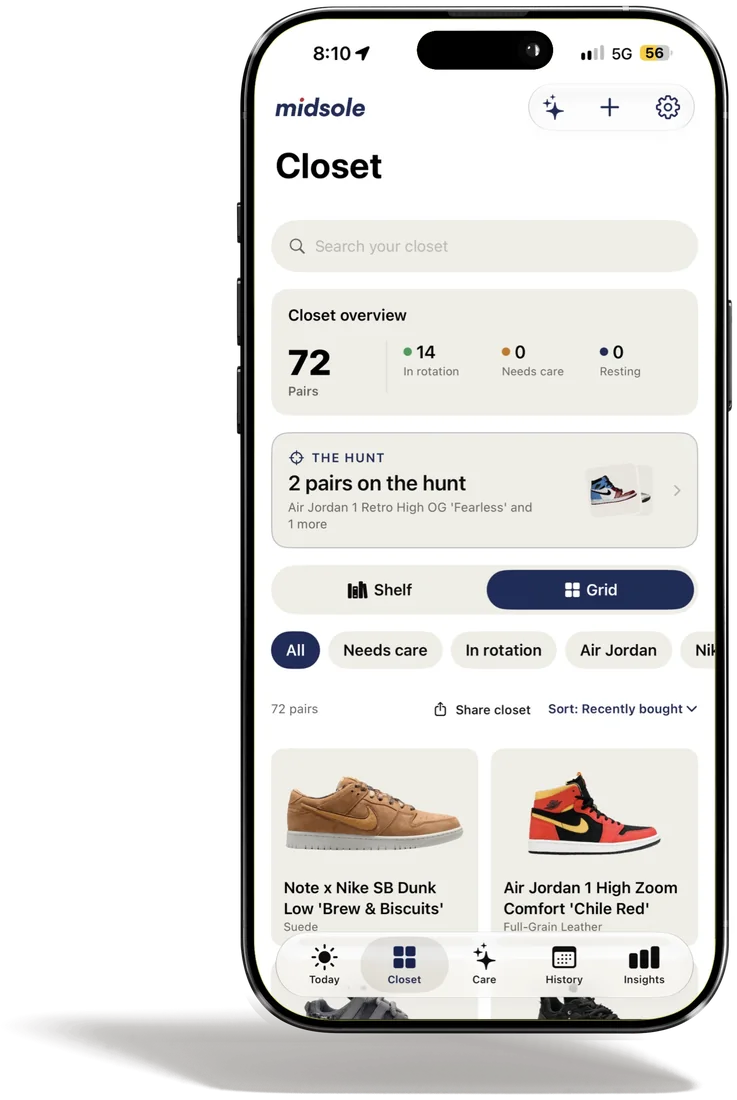
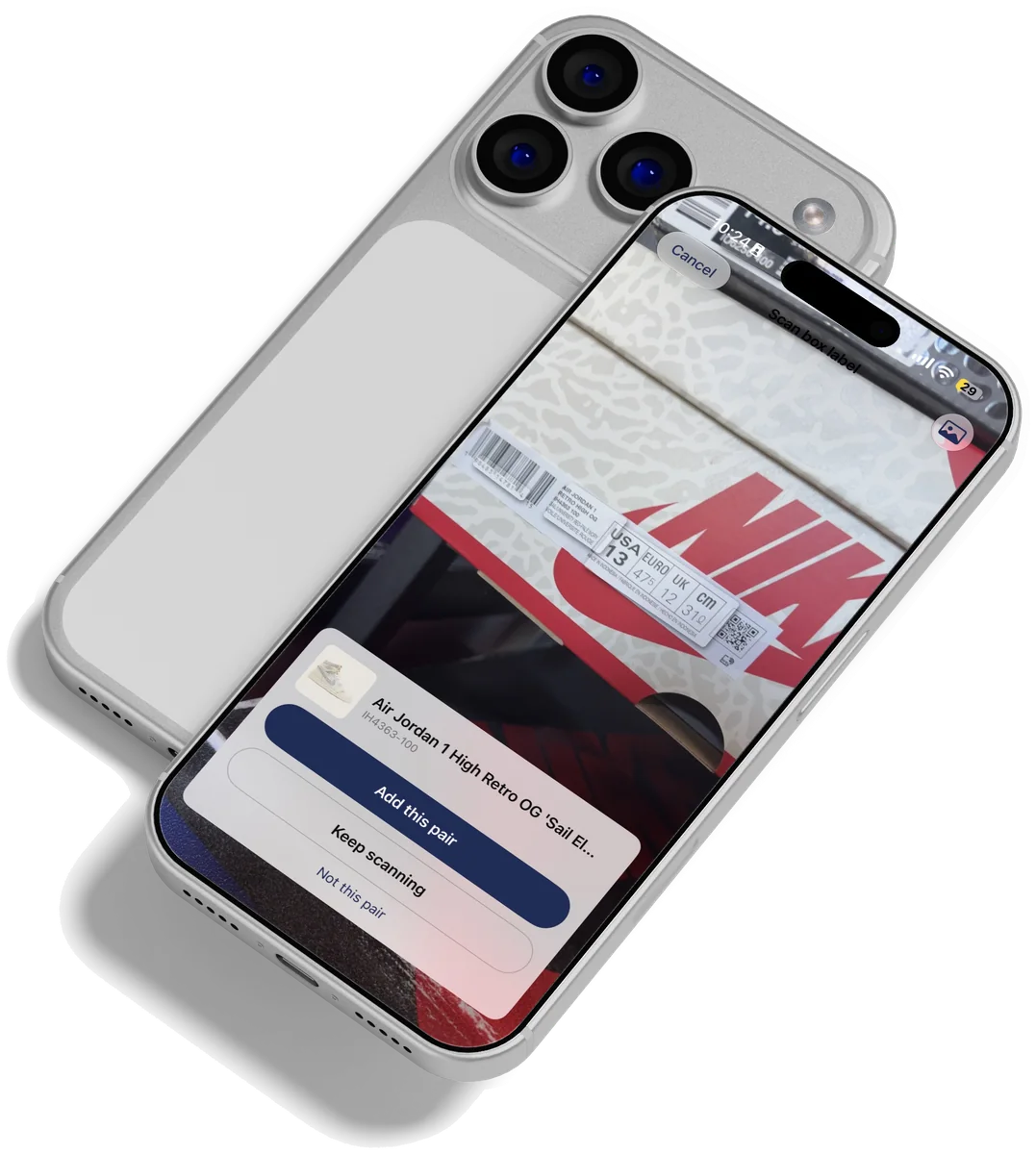
Add your pairs
Scan, search or snap.
Scan a box label, search by name or take a few photos. Midsole finds the model, its materials and a clean photo.
- A dozen at onceScan box after box and review them together: sizes, materials, done.
- Any shoeSneakers, boots, loafers, heels. If the catalogs don't know it, search the web from the app.
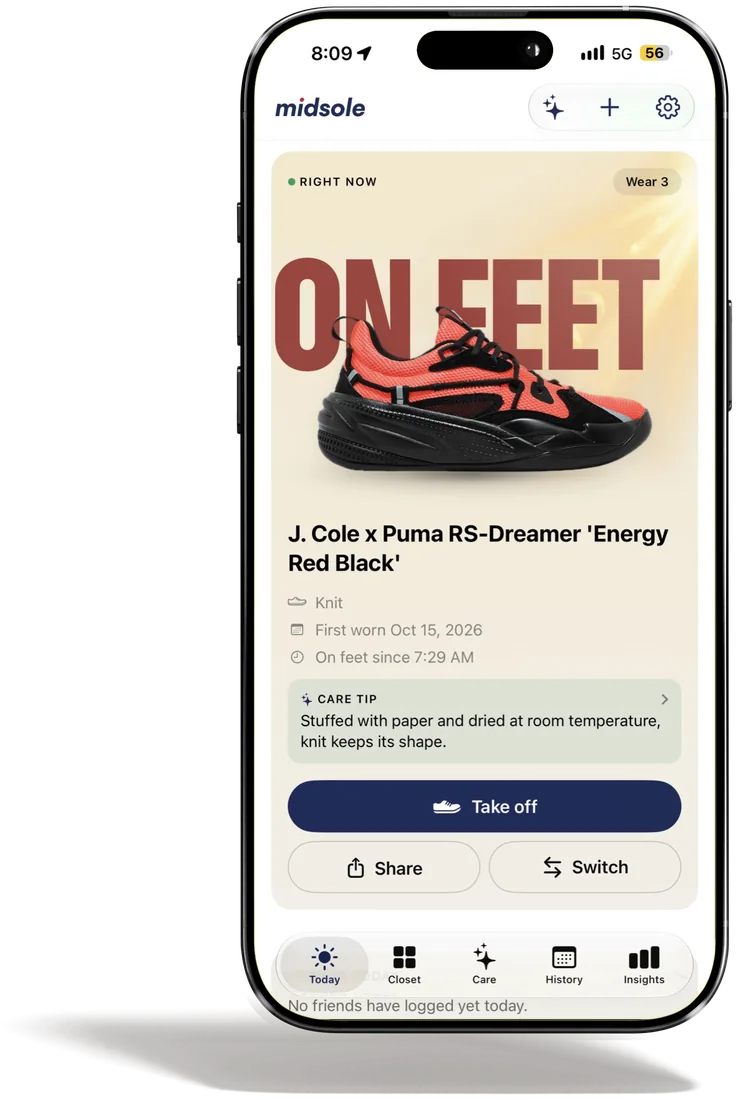
Log your wears
One tap a day.
Open the app, tap what's on feet. Or start from a widget or your Watch, and switch pairs there in a tap.
- On feet or wornLog the pair you're wearing now, or one you wore earlier.
- Catch upAway for a few days? Fill them in when you're back.
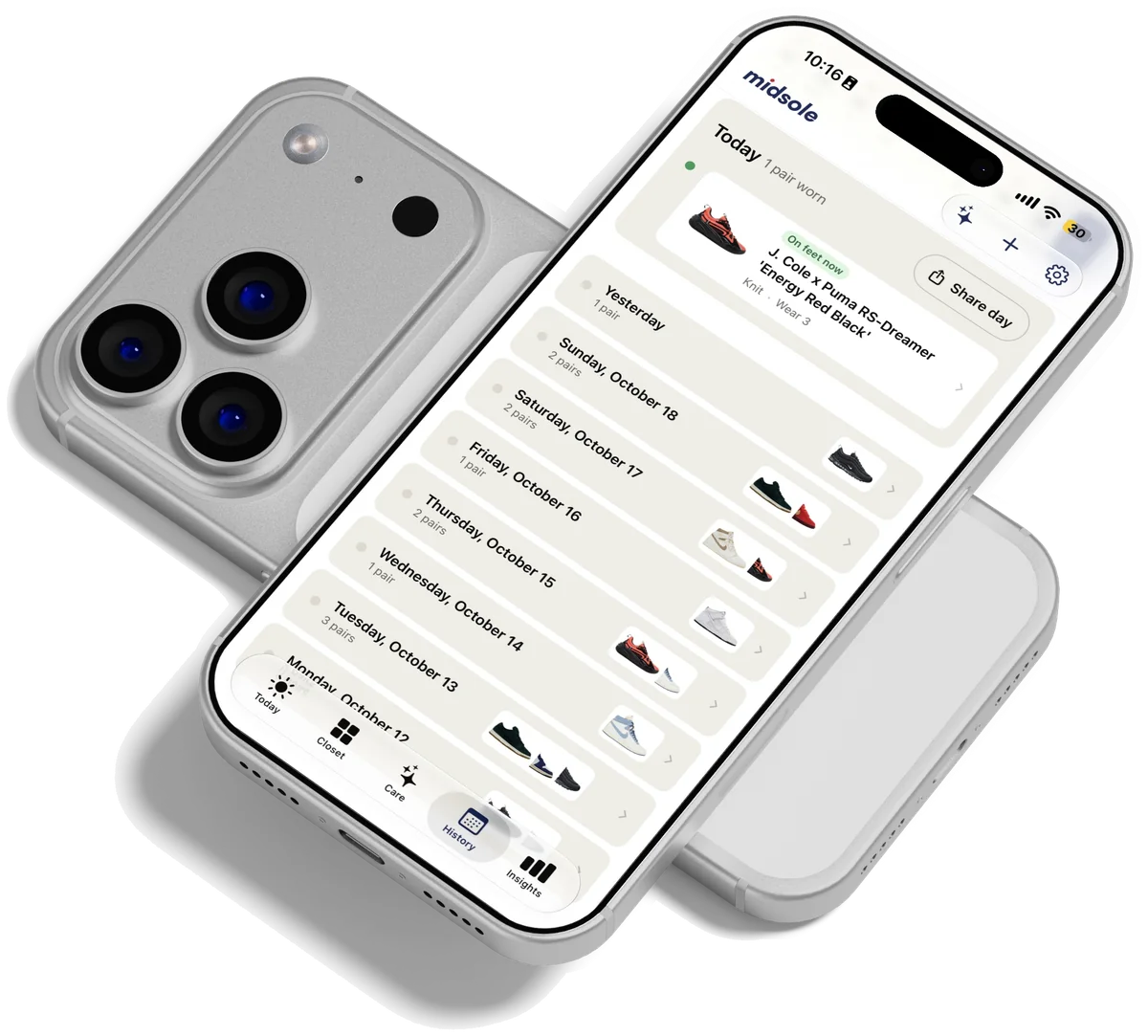
Understand your rotation
Watch the patterns show up.
A week in, Midsole starts to show what you reach for, what you skip and what's due some care.
- InsightsYour rotation, most worn, resting longest, due a clean.
- HistoryEvery day you've logged, a month at a time.
Care for your pairs
Know what they need.
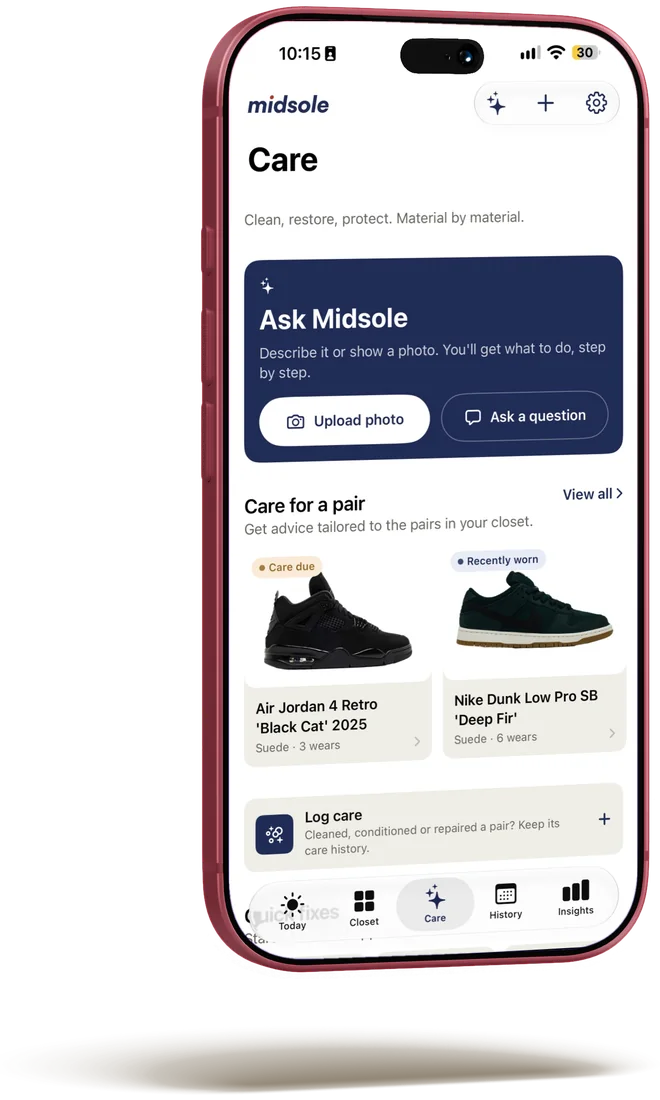
Each pair gets the routine for its material, and a nudge when a clean is due. Not before.
- Guided careStep by step, with what to avoid on that material.
- AskNot sure about a stain? Ask the care assistant, or send it a photo.
Share your closet
Show the rotation, your way.
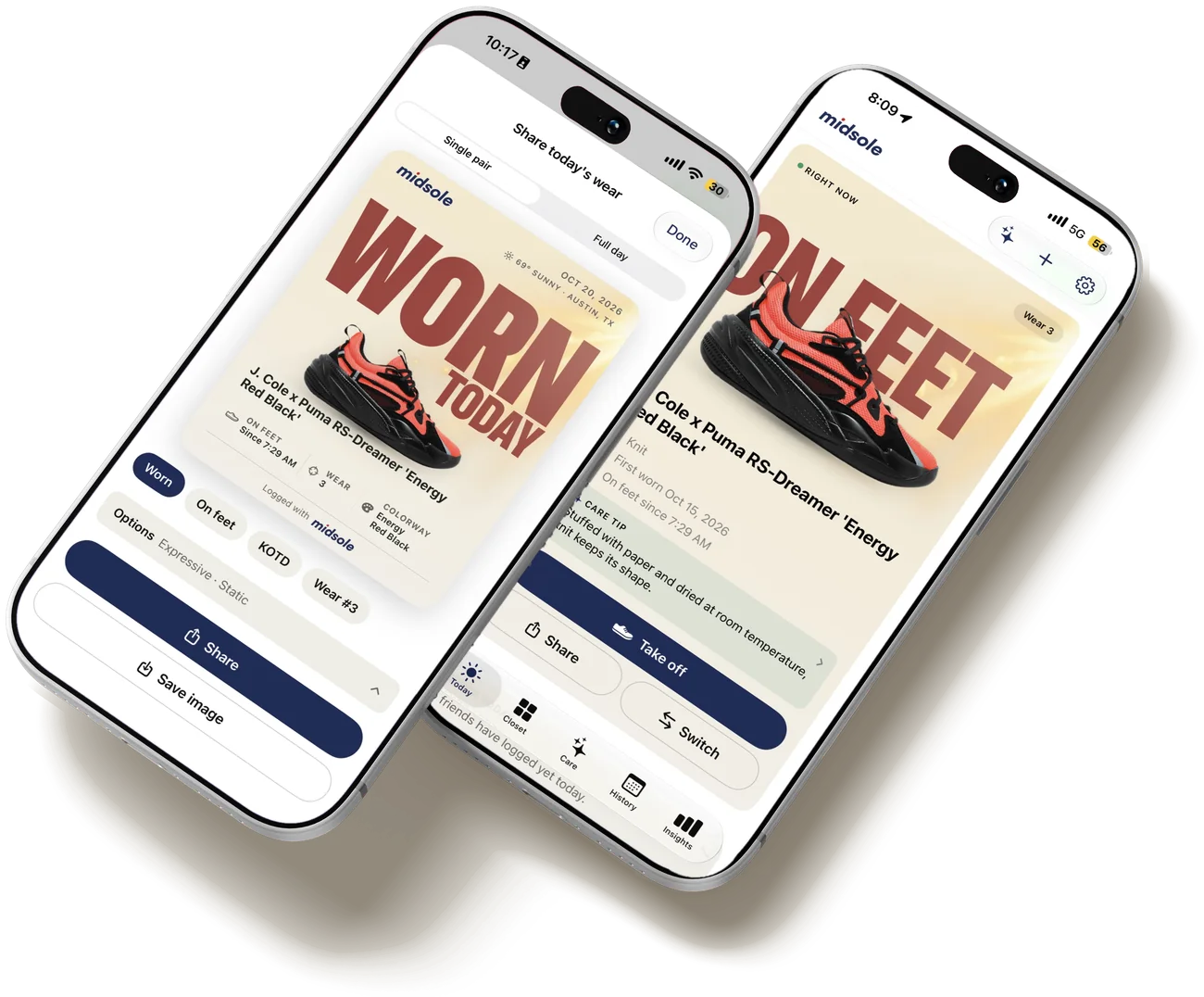
A card of today's pair, a week with friends, or a link to your whole closet. You choose what's seen.
- Share cardsStill or animated, with the day's weather.
- Public linkEvery pair, or only the ones you choose. Turn it off any time.
Be first in the rotation.
Midsole is coming to iOS. Join the waitlist and we'll let you know when it's ready.